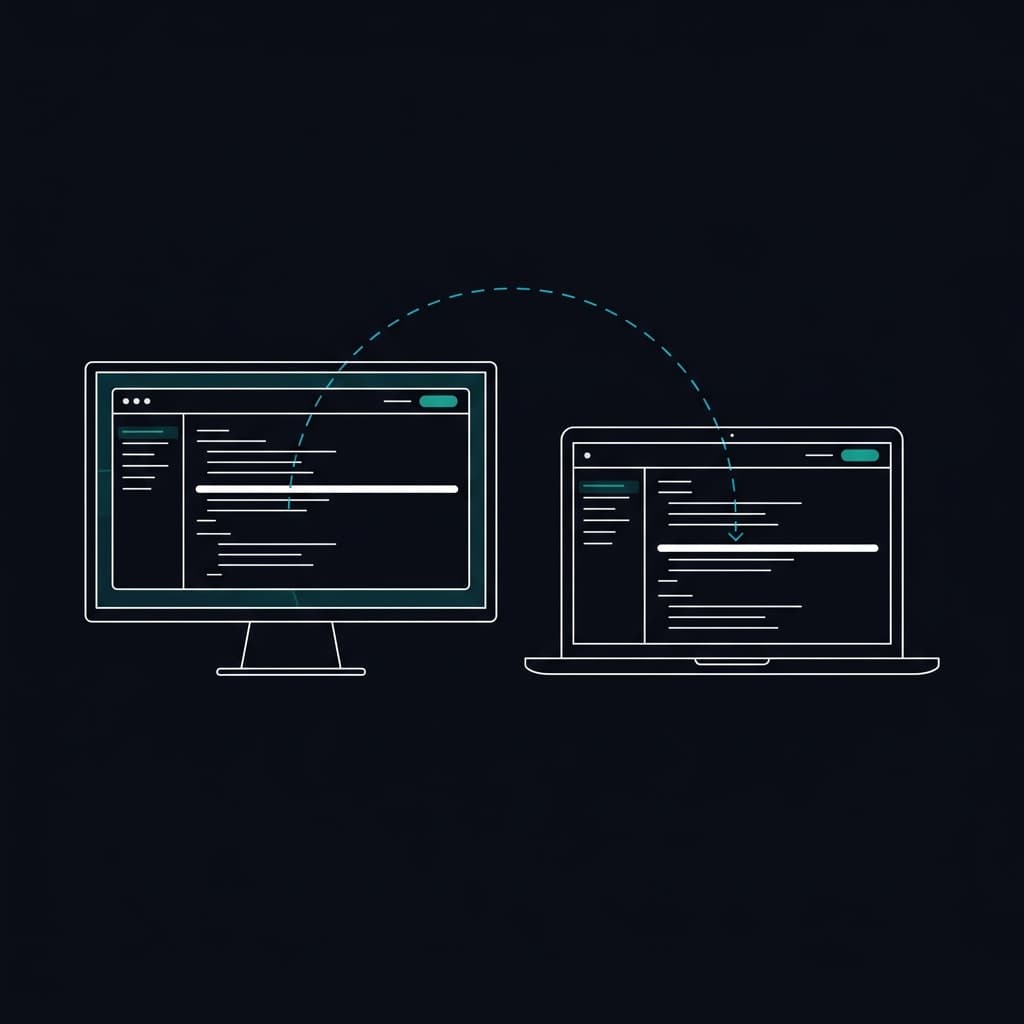
Synchronized multi-screen teleprompter for local and remote displays
Drive your script from one operator laptop and display it across stage monitors, talent tablets, or broadcast overlays. Choose between plugging in wired external monitors or casting wirelessly over the network with PaceMirror™ viewer synchronization.
PaceMirror™ Viewer Synchronization
PaceMirror™ is EasyPrompter's trademarked, patent-pending synchronization technology. It keeps connected viewer displays locked to the exact script position in real time as the operator scrolls, pauses, or jumps, completely independent of display orientation, screen size, aspect ratio, or text settings.
Wired External Monitors or Wireless Casting
Choose the connection method that matches your venue. Plug external monitors directly into your computer via HDMI, DisplayPort, or USB-C, or cast wirelessly over the network to laptops, tablets, or studio displays using a browser link.
Independent Per-Display Formatting
Each screen renders its own typography, font size, margins, and line heights. A camera-mounted prompter can use large text with tight margins while a distant confidence monitor displays smaller paragraphs.
Horizontal & Vertical Mirror Flipping
Flip text horizontally or vertically on individual displays for physical beam splitter glass rigs and teleprompter hoods, without flipping the operator's control screen.
Clean Display & Synchronized Blackout
Clean Display hides all control bars and toolbars from talent view. One-click Blackout simultaneously blanks every connected display during commercial breaks, scene transitions, or rehearsals.
OBS & vMix Transparent Browser Overlay
Add the clean prompter capture URL as a browser source in OBS Studio or vMix. Render scrolling text on a completely transparent background over your video feed without chroma keying.
How multi-screen prompting works
One operator controls speed and script position while talent reads from clean, dedicated screens.
Open the script on the operator device
The operator machine acts as the master controller for speed, playback, section jumps, and live on-the-fly text revisions.
Connect viewer screens with link or QR code
Click Connect Display to generate a secure viewer link. Open it in the browser on laptops, tablets, or studio monitors in the room, or plug in external monitors directly.
Prompt with independent layout settings
Hit play. Every screen tracks the operator position instantly while maintaining its own custom font size, margins, and mirror-flip orientation.
Display limits by plan
Accurate display capacity defined by the plan capabilities contract.
- Free plan: 1 connected viewer display per session with an EasyPrompter watermark.
- Creator plan: 1 connected viewer display per session, completely watermark-free.
- Operator plan: 3 connected viewer displays, 3 permanent Managed Displays, OBS/vMix overlay, and synchronized blackout.
- Studio & Enterprise plans: 5 connected viewer displays per session, 10 permanent Managed Displays, and multi-operator concurrent sessions.
Managed Displays let you enroll permanent studio monitors with a pairing code so they reconnect automatically without rescanning QR codes.
Standard screen mirroring vs PaceMirror™ synchronization
Duplicating your computer desktop mirrors operator clutter onto stage monitors. PaceMirror™ delivers clean, independent layouts.
- Duplicates the operator screen exactly, exposing mouse pointers, toolbars, and controls to talent.
- Forces every display to share identical resolution, scaling, aspect ratio, and font size.
- Mirroring text for beam splitter glass also flips the operator controls backwards.
- Talent sees only clean text via Clean Display while the operator retains full transport and timer controls.
- Synchronizes reading position while remaining independent of screen size, aspect ratio, orientation (portrait or landscape), and text settings.
- Mirror flipping applies only to specific beam splitter screens, keeping the operator view normal.
Network interruption protection
In live production, network stability cannot always be guaranteed. PaceMirror™ is built with intelligent client-side extrapolation. If the local network experiences packet loss or a momentary disconnection, connected viewer displays do not freeze or crash.
The viewer screen continues scrolling smoothly at its last commanded speed until connection resumes. The moment the connection re-establishes, the display aligns its position to the operator in a fraction of a second without jarring visual jumps.
Frequently Asked Questions
Build your multi-screen prompting setup
Connect your confidence monitors, beam splitters, and talent displays in seconds.
Try EasyPrompter Free