A teleprompter for your PC, with nothing to install
EasyPrompter runs in the browser on Windows, macOS, Linux and ChromeOS. There is no download, no installer, and no administrator password to go and find.
Why there is nothing to download
Most teleprompter software for PC is an application you install, which means a download, an installer, and often an administrator password you do not have on a work or school machine. EasyPrompter is a web application, so the prompter opens in the browser tab you already have in front of you.
It also means your scripts are not stuck on one computer. Sign in on another machine and the same scripts are there.
Three ways to set it up on a desktop
- 1
One screen
Put the prompter on the laptop screen, directly under the webcam. The closer the reading line is to the lens, the less your eyes drift.
- 2
A second monitor or wireless casting
Connect a second monitor directly and open a local viewer window, or beam your script wirelessly to a laptop, tablet, or any device with a browser. The talent sees clean, synchronized text sized for their distance, while the operator keeps full controls.
- 3
Gesture phone remote
Scan a QR code to control playback from your phone. Single tap to play or pause and swipe to adjust speed, so you are never reaching for the keyboard on camera.
Windows, macOS, Linux and ChromeOS
Because the prompter is a web page, the operating system matters far less than the browser. Any machine with a current browser can operate the prompter or act as a display, including a Chromebook or the old laptop you keep on the desk for exactly this.
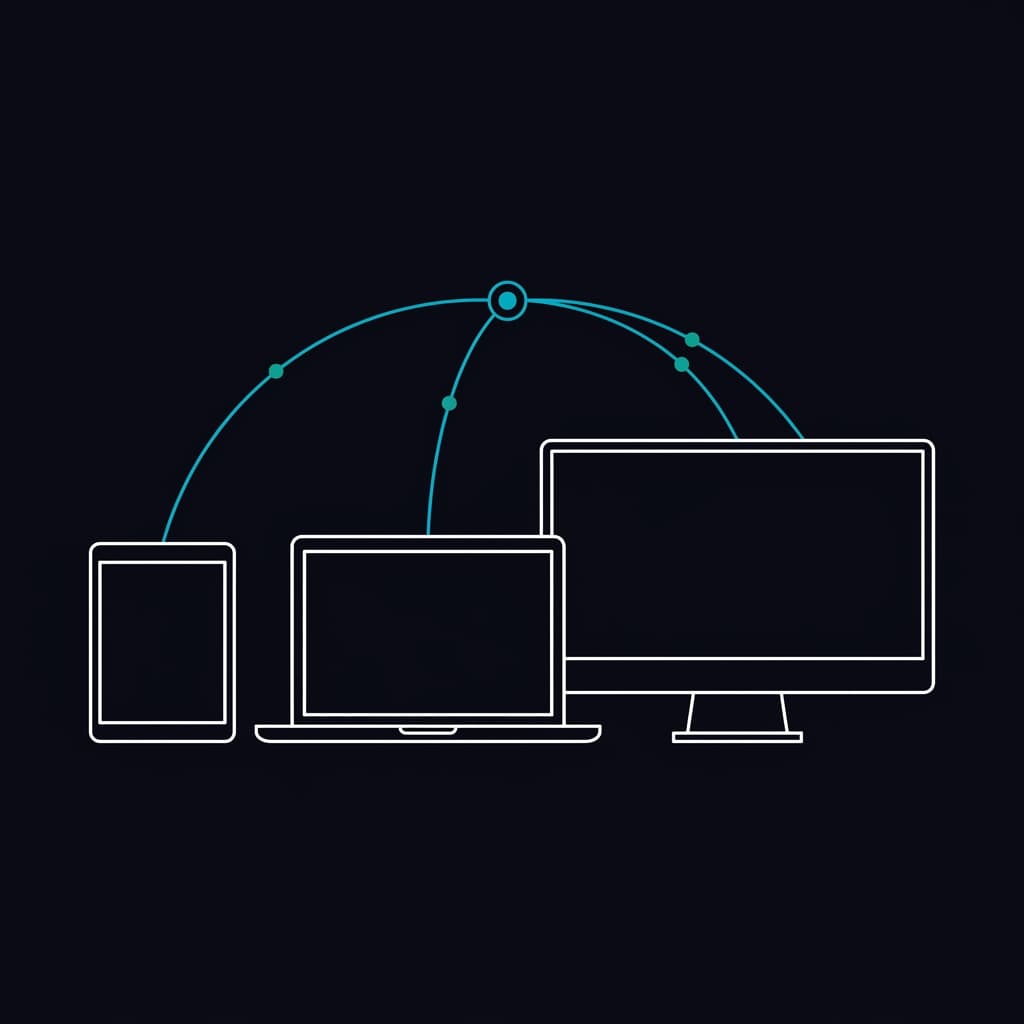
Connecting additional screens is just as flexible. Plug in a spare monitor directly, or connect a laptop, tablet, or any device with a browser through Remote Casting, while you control pace from your keyboard or a phone remote.
Import, organize, and edit live on set
You do not have to retype your scripts. Drag and drop Word documents (.docx), plain text files (.txt), or portable EasyPrompter packages (.ezp) directly into the browser to import them with formatting intact.
During a recording or rehearsal, an operator can make on-the-fly script revisions in the editor. Changes push immediately to connected viewer displays without interrupting the take or resetting the scroll position.
Organize multi-part productions with collections and color-coded section markers. When shooting on location or traveling between studios, offline mode keeps your prepared library available even without an internet connection.
What you can do without paying
The free plan holds 2 saved scripts and plays scripts of up to 500 words each, with an EasyPrompter Free Edition watermark on the operator and viewer displays. For a short piece to camera that is usually enough to tell whether the approach suits you.
Longer scripts, unlimited saved scripts, wireless Remote Casting, the gesture phone remote, and removing the watermark are on the paid plans. The full breakdown is on the pricing page.
Open a prompter on this computer
No installer and no admin rights. Paste a script and start reading.
Try EasyPrompter