How to share teleprompter scripts with conference AV crews
Send your script directly to Front of House or stage monitors without handing over your password, dealing with 2FA panic, or installing software on venue laptops.
The hidden risk of sharing account passwords on stage
When preparing for a major keynote or presentation, speakers often make last-minute revisions in the green room. In traditional setups, getting that updated script onto the venue's confidence monitor or teleprompter booth meant texting a username and password to a freelance technician or handing over a USB flash drive.
Sharing credentials creates serious corporate security vulnerabilities. Personal or corporate passwords give technicians access to other confidential drafts, company announcements, and billing data. Furthermore, two-factor authentication (2FA) often triggers an alert right as the speaker is being mic'd up, leading to unnecessary stage-call panic.
USB flash drives are equally problematic. Many enterprise venues, financial institutions, and government conferences strictly prohibit untrusted USB drives on production equipment due to malware policies. Even when allowed, transferring files manually leads to version mismatches and broken formatting.
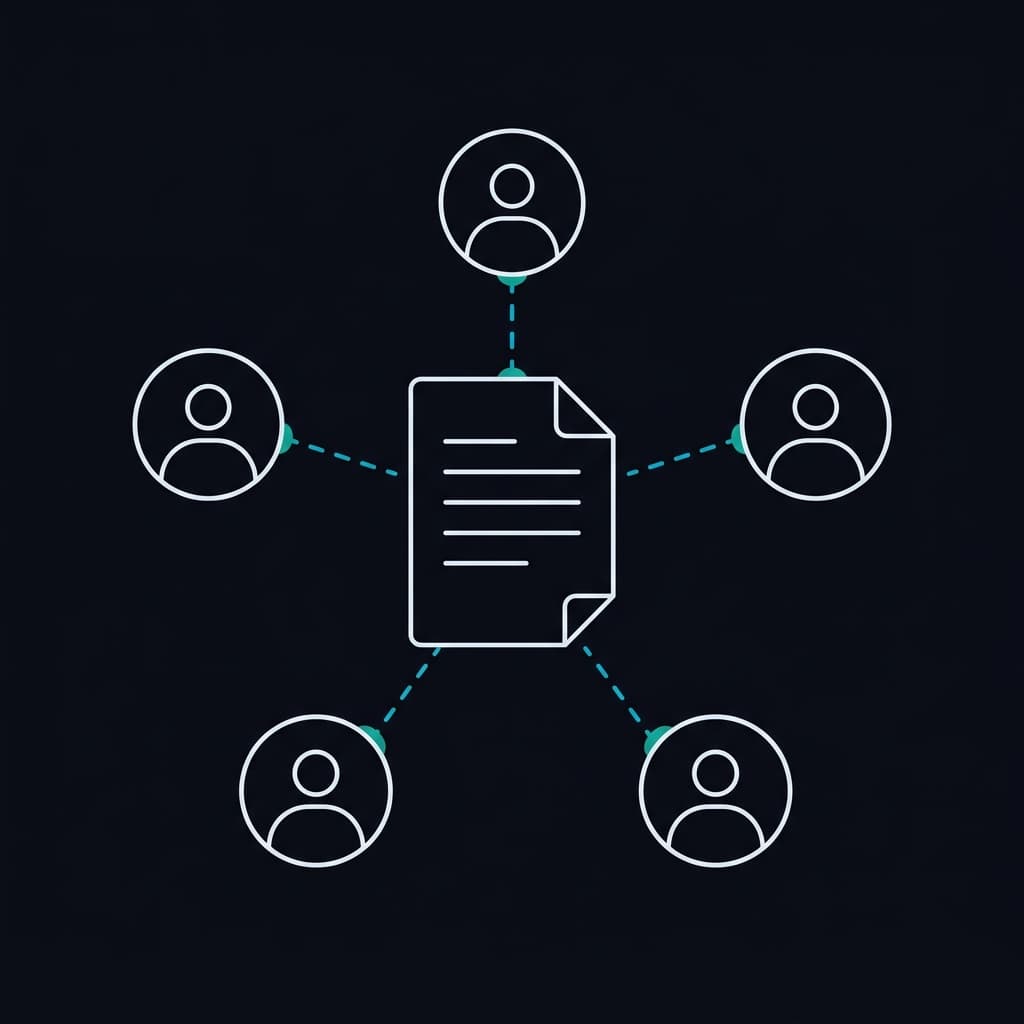
How zero-install teleprompter handoff works
EasyPrompter solves this by decoupling script playback from account access. As a speaker, you generate a secure external share link directly from your script. Anyone who opens the link is taken straight into teleprompter playback mode in their browser.
The AV crew does not need to create an account, enter a password, or download any software onto venue laptops. Because EasyPrompter runs entirely in the browser, it works immediately on managed Windows, macOS, and Linux production rigs with standard keyboard, mouse, or foot pedal controls.
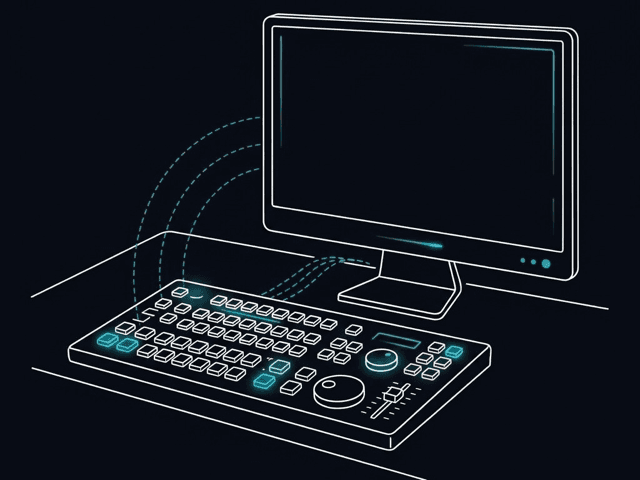
For complex multi-screen events with remote control and team collaboration, explore our dedicated live event tools.
From backstage to Front of House in three steps
- 1
Prepare your script and generate an external link
Write or paste your keynote in EasyPrompter. Click Share, enable External Link, and optionally set an automatic expiration date for post-event security.
- 2
Send the link to your stage manager or AV crew
Share the URL via email, Slack, or event chat. The production team opens the link in their browser with no logins or software setup.
- 3
Prompt and make live adjustments
The AV operator controls scroll speed, pauses, and font size directly from their laptop. Any edits you make backstage update the shared script seamlessly, with no new files or re-sent links.
Standard keyboard shortcuts for AV operators
Whether your technician operates from a laptop keyboard, wireless presentation clicker, or mouse, EasyPrompter supports standard shortcuts for effortless pacing during your talk:
Operators can also toggle between standard view for confidence monitors and mirrored view for presidential glass teleprompters.
Backstage soundcheck: 4 things to verify with AV
Take two minutes during your technical rehearsal or soundcheck to confirm these settings with your teleprompter operator:
- Display orientation: Confirm whether the feed needs horizontal flipping for presidential glass or standard display for stage confidence monitors.
- Margin width: Narrow the reading margins so your eyes stay focused near the center without obvious left-to-right head scanning.
- Speaking pace: Have the operator scroll through your opening minute to establish a comfortable baseline reading speed.
- Offline resilience: The script is cached in the operator browser, protecting your presentation if venue Wi-Fi becomes congested.
Handling last-minute revisions backstage
Great speeches are refined right up until showtime. Unlike static PDF or Word documents that must be re-exported, re-transferred, and re-formatted on the operator laptop, changes made in EasyPrompter update seamlessly. You do not have to interrupt the crew or worry about which file is the real final version.
Zero trace: link expiration and instant revocation
When the presentation is over, you should not have to remember to log out of a venue laptop you may never see again. With tokenized external links, you can set the link to expire automatically after the event, or revoke access with a single click from your phone. Your account remains completely private.
External sharing across plans
External link sharing is available across free and paid plans, with advanced expiration and team capabilities for professional speakers:
Individual Keynotes
- Tokenized external link for AV handoff
- Full browser-based operator controls
- Standard automatic link expiration
Professional Speakers
- Custom expiration dates and instant revocation
- Unlimited scripts and script word count
- Watermark-free display and custom branding
- Multi-screen synchronized casting and remote control
Compare all plan features and team capabilities on our pricing page.
Deliver your next keynote with complete confidence
Keep your credentials secure, eliminate AV handoff friction, and focus on delivering a great talk.
Try EasyPrompter